
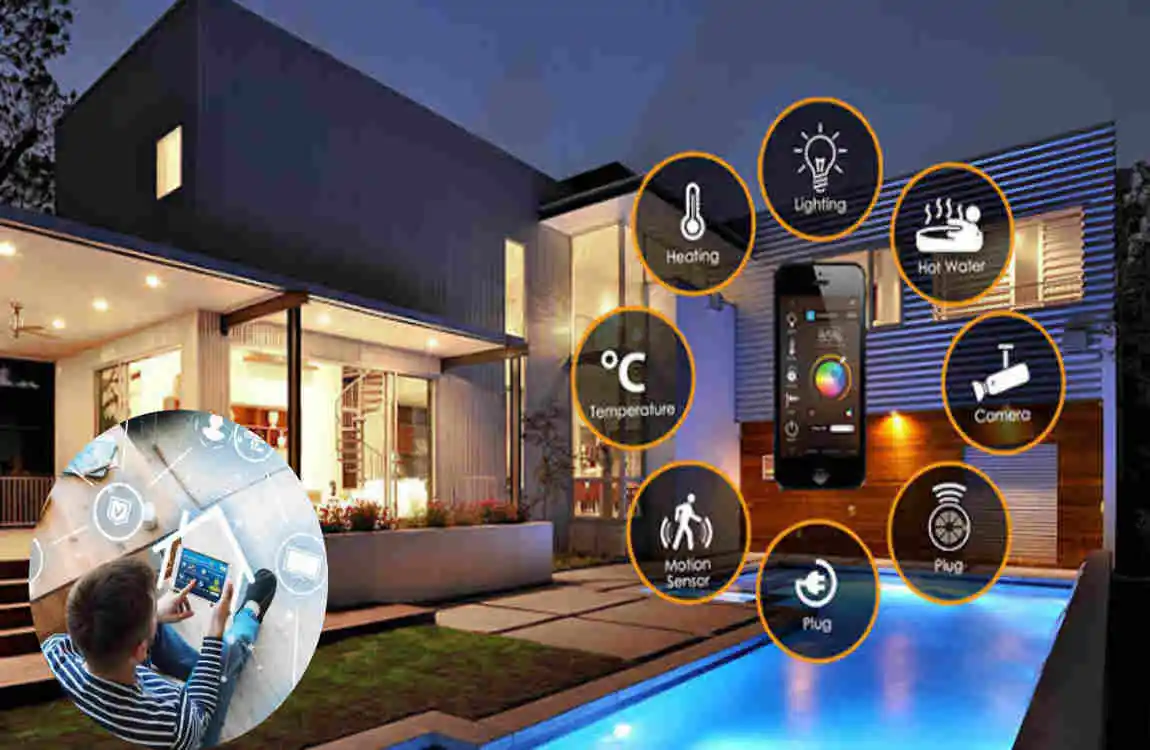
Modern homes are becoming more connected, convenient, and energy-conscious. A smart home system brings together various household devices so you can control, monitor, and automate them from a phone, a voice assistant, or a central platform.
From smart lighting and thermostats to cameras, locks, appliances, and sensors, smart home technology can simplify everyday tasks while improving comfort and security. The best part is that you do not need to transform your entire house at once. You can start with a few useful devices and expand your system over time.
What Is a Smart Home System?
Simple Definition of a Smart Home System
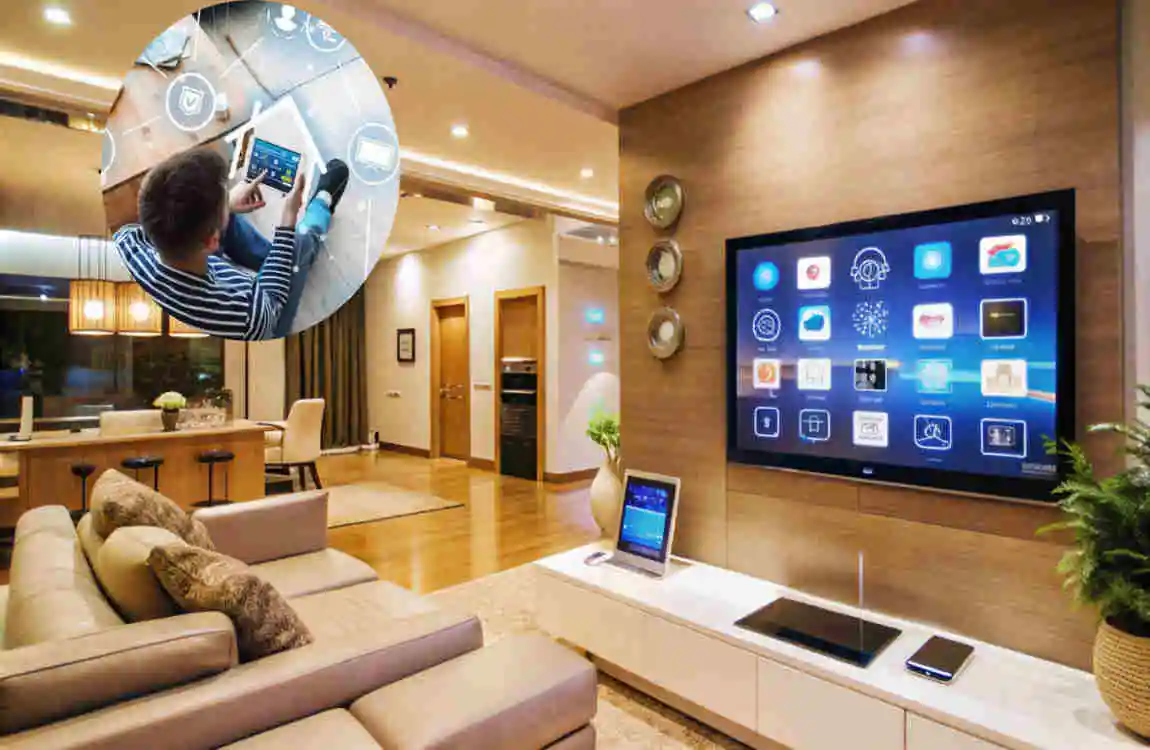
A smart home system is a collection of connected devices that communicate with one another and enable you to control household functions automatically or remotely.
For example, you might use a mobile app to turn off lights, adjust the thermostat, check a security camera, or lock the front door. Some devices can also perform tasks automatically according to a schedule, sensor reading, or routine.
These devices may communicate through Wi-Fi, Bluetooth, smart hubs, or other wireless technologies. A compatible platform helps bring different devices together so they can work as part of one connected home.
How Smart Home Technology Works
Smart home technology usually works through three basic steps.
First, sensors collect information. A motion sensor may detect movement, while a door sensor can tell whether a door is open or closed.
Next, the system processes that information and sends instructions to connected devices. Finally, the device acts.
For example, a motion sensor could detect someone entering a hallway at night and automatically switch on the lights.
You can also create routines such as turning off selected lights, adjusting the thermostat, and locking doors when you leave home.
Smart Home vs. Traditional Home
A traditional home depends mainly on manual controls. You turn switches, adjust thermostats, lock doors, and operate appliances yourself.
A smart home system adds automation and remote control. Instead of handling every task manually, you can create routines that allow devices to respond automatically.
There is also a difference between having one smart device and having a complete home automation system. A single smart bulb is useful, but several compatible devices working together can create a much more convenient connected home.
Key Features of a Smart Home System
Smart Lighting
Smart lighting is one of the easiest ways to introduce automation into your home.
Smart bulbs and switches can often be controlled using a smartphone, voice commands, schedules, or motion sensors. You can turn lights on or off remotely, adjust brightness, and create lighting routines.
For example, hallway lights can turn on automatically when movement is detected. Bedroom lights can gradually brighten in the morning, while outdoor lights can turn on around sunset.
Smart lighting can also help reduce unnecessary electricity use by automatically turning off lights.
Smart Thermostats and HVAC Controls
A smart thermostat can make temperature management easier and more efficient.
Instead of constantly adjusting the thermostat, you can create schedules based on your daily routine. Some systems can also respond to occupancy or learn your preferences.
You might set the temperature differently while sleeping, working, or away from home. Remote control also allows you to adjust the temperature before returning home.
The actual energy savings depend on your home, climate, equipment, and settings, but avoiding unnecessary heating or cooling can make your HVAC system more efficient.
Smart Home Security
Security is one of the most popular reasons homeowners choose smart home technology.
A smart security setup may include:
- Smart cameras
- Video doorbells
- Smart locks
- Motion sensors
- Door and window sensors
- Security alarms
These devices can provide alerts when something unusual happens. Depending on the system, you may also be able to view cameras or control locks remotely.
Smart security does not replace good physical security practices, but it can give you greater awareness of what is happening around your property.
Smart Appliances
Modern appliances can also become part of a connected home.
Smart refrigerators, ovens, washing machines, and dryers may provide notifications, remote monitoring, or selected controls through an app.
For example, a washing machine could notify you when a cycle is complete. A smart oven may allow compatible functions to be monitored remotely.
The most useful feature is not always remote control. Sometimes, simply receiving helpful notifications can make household routines easier.
Smart Entertainment
Entertainment systems are another important part of a modern connected home.
Smart TVs, speakers, and streaming devices can be connected to your home network. You can control compatible entertainment equipment through apps or voice commands.
A multi-room audio setup can play music in different areas of the house. You can also create routines that combine lighting, music, and entertainment settings.
Smart Plugs and Outlets
Smart plugs provide an affordable way to make ordinary appliances smarter.
You can plug compatible lamps, fans, or other devices into a smart plug and control them through an app or schedule.
For example, you could schedule a lamp to switch on in the evening and turn off at bedtime.
Smart plugs are especially useful when you want basic automation without replacing existing appliances.
Benefits of Installing a Smart Home System
Convenience and Automation
The biggest benefit of a smart home system is convenience.
Instead of manually handling every small task, you can automate repetitive activities. A single routine can control several devices at once.
For example, a “Good Night” routine could turn off selected lights, adjust the thermostat, and activate compatible security devices.
Better Home Security
Smart home security makes it easier to monitor your property.
You can receive notifications about movement, opened doors, or other events. Compatible cameras can help you check what is happening when you are away.
Smart locks can also provide convenient keyless access while allowing you to manage access remotely.
Energy Efficiency
Smart technology can help reduce unnecessary energy use.
Lights can turn off when nobody is present. Thermostats can adjust temperatures according to schedules. Smart plugs can prevent certain devices from running unnecessarily.
These small changes may add up over time, especially when several systems are managed together.
Improved Comfort
A connected home can adapt to your personal routines.
You can create lighting scenes for reading, relaxing, watching television, or sleeping. Temperature settings can change automatically throughout the day.
This creates a home that feels more personalized without requiring constant manual adjustments.
Remote Home Monitoring
One of the most useful benefits of smart home technology is remote access.
When you are away, you may be able to check compatible cameras, sensors, locks, or other devices through your smartphone.
Some systems can also notify you about events such as unusual movement, water leaks, or smoke-related alerts when compatible equipment is installed.
How to Choose the Right Smart Home System
Determine Your Smart Home Goals
Start by asking yourself what you actually want your smart home to do.
Your main goal might be security, energy management, convenience, entertainment, accessibility, or whole-home automation.
You do not need every available smart device. Choosing technology based on your real needs helps prevent unnecessary spending and complicated setups.
Check Device Compatibility
Compatibility is one of the most important factors to consider.
Before buying a new device, check whether it works with the platform and other products you already own.
A collection of incompatible devices can become frustrating because you may need several apps or separate control systems.
Consider Ease of Use
A good smart home should make life easier, not more complicated.
Look for systems with clear apps, simple setup procedures, reliable controls, and useful voice commands where appropriate.
If several family members will use the system, make sure the controls are easy for everyone to understand.
Think About Privacy and Security
Connected devices can collect and transmit information, so security deserves careful attention.
Use strong and unique passwords, enable two-factor authentication when available, keep software updated, and secure your home Wi-Fi network.
Also review privacy settings and understand what information your devices may collect.
How Much Does a Smart Home System Cost?
The cost of a smart home system varies significantly. The number of devices, features, installation requirements, and subscription services can all affect the final price.
Basic Smart Home Setup
A basic setup might include a few smart bulbs, plugs, and a compatible smart speaker or controller.
This approach is useful for beginners because it allows you to experience home automation without making a major investment.
Mid-Range Smart Home Setup
A mid-range system may cover several rooms and include lighting, a smart thermostat, security devices, sensors, and more advanced routines.
Costs increase as you add more devices and more sophisticated features.
Whole-Home Smart System
A whole-home system can integrate lighting, HVAC controls, security, entertainment, locks, sensors, and other systems.
These installations may require professional planning, especially when wiring or electrical work is involved.
Factors That Affect Smart Home Costs
Common cost factors include:
- Number and type of devices
- Device features and quality
- Professional installation
- Electrical or wiring requirements
- Subscription services
- Home size
- System complexity
Rather than choosing devices only because they are inexpensive, consider their long-term usefulness and compatibility.
Smart Home Security and Privacy Tips
Protect Your Wi-Fi Network
Your home network is an important part of your connected home.
Use a strong Wi-Fi password and keep your router software updated. If practical, you can also use a separate network for smart devices.
Keep Smart Devices Updated
Manufacturers may release software and firmware updates to improve performance and security.
Install important updates promptly. Devices that are no longer supported may eventually need to be replaced.
Use Strong Account Security
Avoid using the same password across multiple accounts.
Choose strong, unique passwords and enable two-factor authentication when the service provides it.
Review Privacy Settings
Check the privacy settings of cameras, microphones, apps, and other connected products.
Understand what information a device collects and which permissions it has. Only enable features you actually need.
Common Mistakes to Avoid With Smart Home Systems
A smart home can be frustrating when poorly planned. Avoid buying devices simply because they look interesting.
Common mistakes include:
- Buying devices without checking compatibility
- Installing too many devices at once
- Ignoring weak Wi-Fi coverage
- Using weak passwords
- Forgetting software updates
- Choosing products only because they are cheap
- Creating overly complicated automation
- Ignoring subscription costs
Start simple and expand gradually. This gives you time to understand your system before adding more technology.
Are Smart Home Systems Worth It?
Advantages for Homeowners
For many homeowners, a smart home system can provide meaningful benefits.
It can improve convenience, security, comfort, energy management, and remote access. The value becomes even greater when several devices work together instead of operating separately.
Potential Drawbacks
Smart home technology also has limitations.
The initial cost can be higher than traditional equipment. Compatibility issues may arise; some features depend on internet connectivity, and connected devices require software updates.
Privacy is another consideration. You should always understand how your devices handle personal information.
Who Can Benefit Most?
Smart home technology can be particularly useful for:
- Busy homeowners
- Families
- People interested in energy management
- Homeowners focused on security
- People building or renovating modern homes
- Anyone who wants greater control over household routines
The key is to choose technology that solves an actual problem rather than adding technology simply for its novelty.
Future of Smart Home Technology
More Intelligent Automation
Smart homes are becoming more responsive to routines, occupancy, and household conditions.
Future systems are likely to make automation more personalized, reducing the need for users to create complex rules manually.
Greater Energy Management
Energy management will remain an important part of smart home technology.
Connected thermostats, lighting, appliances, and energy-monitoring tools can work together to help homeowners understand and manage consumption.
Improved Home Security
Security technology continues to develop through better sensors, monitoring, alerts, and integration.
Future systems may provide homeowners with more detailed information while making security controls easier to manage.
Connected Modern Homes
The long-term goal is greater integration.
Instead of treating lighting, heating, security, and entertainment as separate systems, connected homes can bring these functions together into a more coordinated experience.
Smart Home System Maintenance Tips
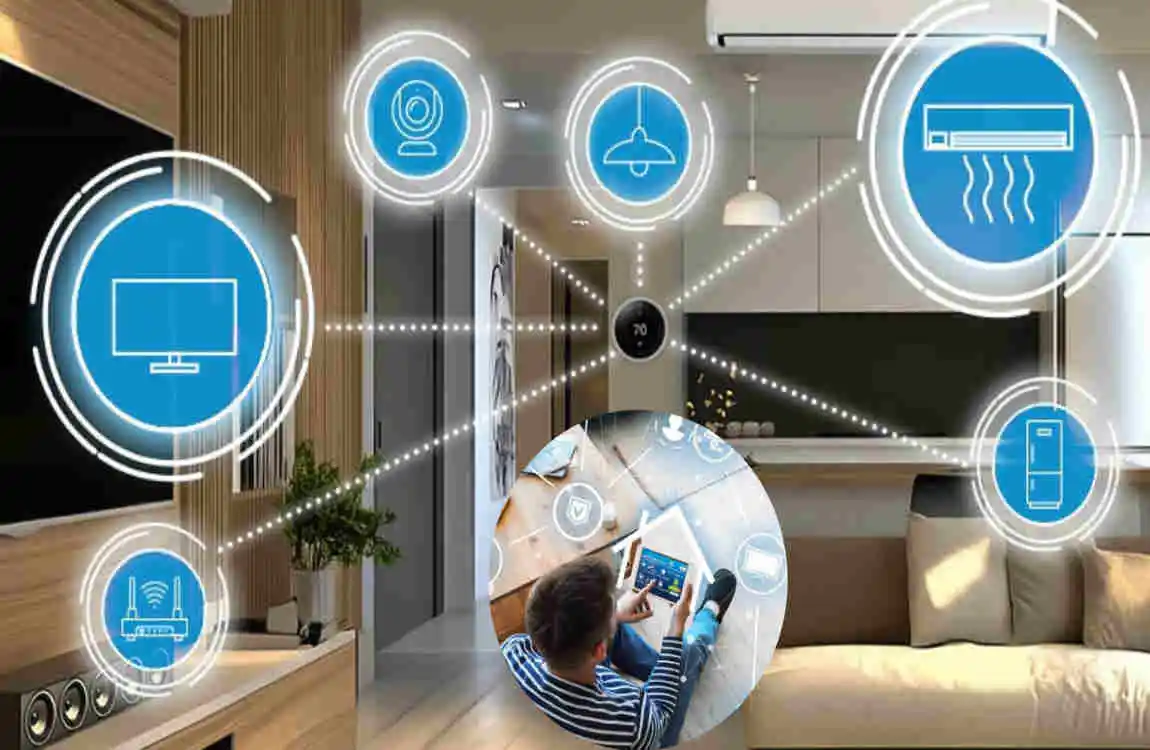
A smart home system still needs regular attention.
Check your devices periodically to make sure they are working correctly. Replace batteries in wireless sensors when needed and test security equipment regularly.
Keep software and firmware updated, review automation routines, and check Wi-Fi performance if devices become unreliable.
It is also a good idea to remove old devices from your accounts when you no longer use them.
Regular maintenance helps keep your system reliable and secure.
Frequently Asked Questions About Smart Home Systems
What is a smart home system?
A smart home system connects household devices so they can be controlled remotely or automatically. Depending on the setup, you can control lighting, temperature, security, appliances, entertainment, and other functions through an app, voice commands, schedules, or automation.
What devices are included in a smart home system?
Common smart home devices include smart lights, thermostats, cameras, locks, sensors, appliances, speakers, and smart plugs. The exact combination depends on your needs and the type of automation you want.
Is a smart home system worth it?
It can be worth it if the technology provides useful benefits for your household. Convenience, security, comfort, and energy management are common reasons people invest in smart home technology.
Can I install a smart home system myself?
Many wireless products, such as smart bulbs, plugs, speakers, and some sensors, can be installed by homeowners. However, electrical work, complex HVAC controls, advanced security systems, and built-in installations may require professional assistance.
Does a smart home system need Wi-Fi?
Many smart devices use Wi-Fi, but not every device depends directly on it. Some products use Bluetooth, hubs, or other communication methods. Your exact requirements depend on the devices and system you choose.
Can I control my smart home when I am away?
Many compatible systems provide remote control through an internet-connected app. This lets you check devices, adjust settings, receive alerts, or control selected equipment while away from home.
| Smart Feature | What It Does | Main Benefit |
|---|---|---|
| Smart Lighting | Controls lights through apps, sensors, or voice commands | Saves energy and adds convenience |
| Smart Thermostats | Automatically adjusts heating and cooling | Improves comfort and reduces energy use |
| Smart Security Cameras | Monitors indoor and outdoor areas remotely | Enhances home security |
| Smart Door Locks | Allows keyless entry using apps, codes, or biometrics | Provides convenient and secure access |
| Smart Doorbells | Shows and records visitors at the front door | Improves security and awareness |
| Smart Home Assistants | Controls compatible devices with voice commands | Makes daily tasks easier |
