
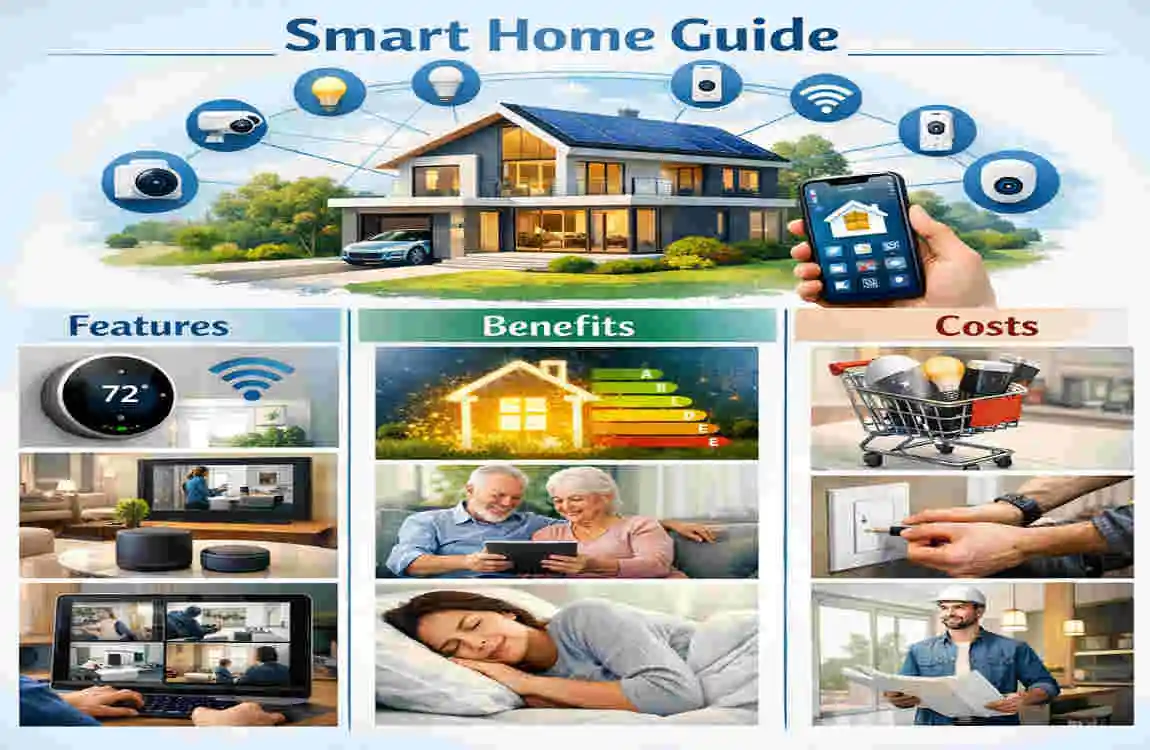
A smart home uses connected devices to make everyday tasks easier, faster, and more comfortable. Instead of doing everything by hand, you can control lights, temperature, locks, cameras, and appliances with your phone, voice, or automatic settings.
This idea has become popular because people want more convenience and better control over their homes. A smart home can help you save time, improve security, and even lower energy use. The good part is that you do not need to build a fully automated house all at once. You can start small and add more devices over time.
What Is a Smart Home?
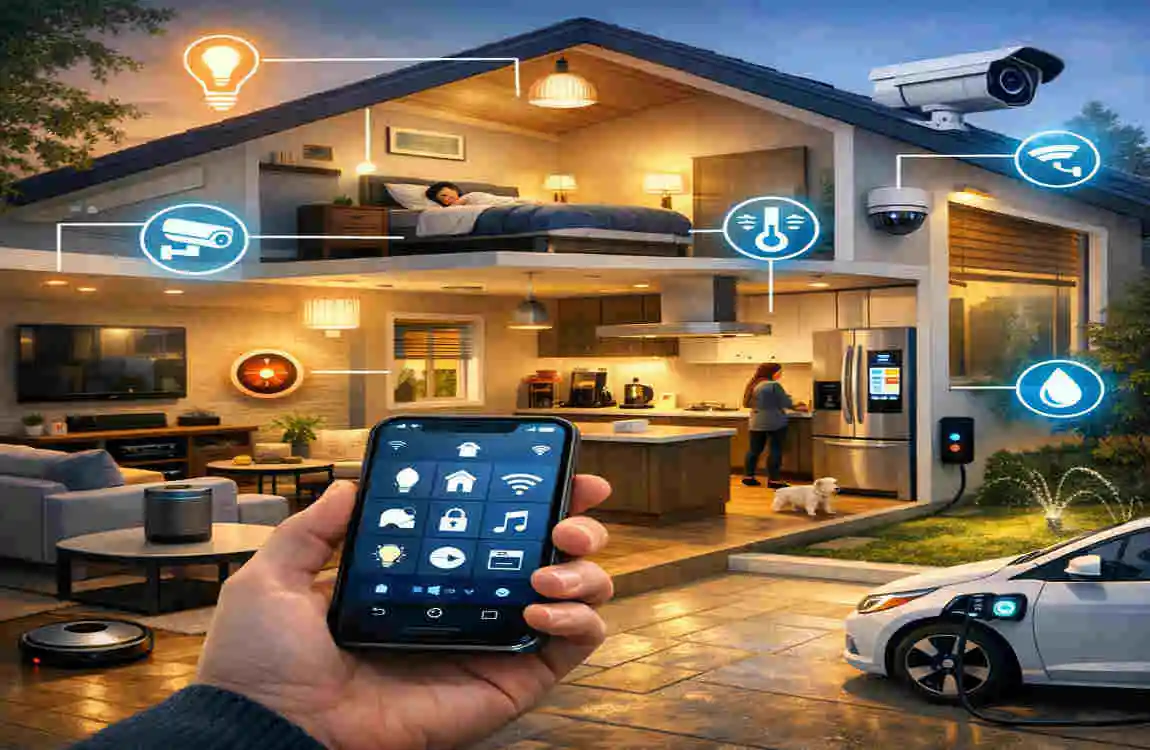
A smart home is a house that uses internet-connected devices to control various aspects of daily life. These devices can talk to each other, respond to schedules, or follow commands from an app or voice assistant.
That means you can turn on the lights, lock the doors, adjust the thermostat, or check the security cameras even when you are not home. Some systems operate, while others create full smart home automation routines that manage multiple tasks at once.
How Does a Smart Home Work?
A smart home usually works through a home network, most often Wi-Fi. Devices connect to the network and communicate through an app, a speaker, or a central hub.
For example, you may use your phone to turn on lights. Or you may say a voice command to lower the temperature. Some devices also work on timers, motion sensors, or preset routines. Once set up, they can act on their own without you having to manage them every time.
Smart Home vs. Traditional Home
In a traditional home, most things are controlled manually. You flip switches, adjust knobs, and lock doors by hand.
In a smart home, many of those tasks can be automated. You can also check settings remotely. This gives you more convenience, better energy monitoring, and more flexibility in your daily routine.
Key Smart Home Features
Smart Lighting
Smart lighting is one of the easiest ways to start with a smart home. You can use smart bulbs, smart switches, or both.
These lights can be controlled from your phone, set on schedules, or triggered by motion. This is useful when you want lights to turn on automatically at night or switch off when no one is in the room.
Smart lighting also gives you more control over brightness and color in some models. That can help you create a calm mood in the evening or a brighter space during the day.
Smart Thermostats and HVAC
A smart thermostat helps you manage heating and cooling more efficiently. It learns your routine, adjusts the temperature, and lets you change settings remotely.
This can improve comfort and help reduce energy waste. If you leave the house suddenly, you can still adjust the temperature from your phone instead of heating or cooling an empty home.
For many homeowners, this is one of the most practical smart home features because it supports both comfort and savings.
Smart Security Systems
Smart security is a major reason people invest in a smart home system. These products help you monitor your home more actively.
Common tools include:
- Smart cameras
- Video doorbells
- Smart locks
- Motion sensors
- Door and window sensors
These devices can send alerts to your phone, show live video, or let you lock and unlock doors remotely. If you travel often or want more peace of mind, this setup can be very helpful.
Smart Appliances
Many modern appliances now come with smart features. You can find connected refrigerators, ovens, washing machines, and more.
These appliances may send notifications, track cycles, or let you monitor them remotely. For example, a washer may tell you when a load is done, or an oven may let you check settings from another room.
This is where smart home technology becomes very practical in everyday life.
Smart Speakers and Voice Control
Smart speakers are often the center of a smart home. They let you use voice commands to control other devices.
You can ask a speaker to play music, turn off lights, or start a routine. This is especially useful when your hands are full or when you want quick control without opening an app.
Voice control also makes the system feel easier for beginners. It gives you a simple entry point into smart home automation.
Smart Plugs and Home Automation
Smart plugs are a low-cost way to make regular devices smarter. You plug them into the wall, then connect lamps, fans, or other simple appliances.
With smart plugs, you can set timers, create schedules, or control items remotely. This is a great first step if you are not ready to replace large parts of your home.
For many people, smart plugs are the easiest way to test smart home devices without spending too much.
Benefits of a Smart Home
Convenience and Automation
One of the biggest benefits of a smart home is convenience. You can automate repeat tasks instead of doing them manually every day.
That might mean turning on the lights at sunset, adjusting the thermostat before you get home, or locking the doors automatically at night. These small changes save time and make the house feel more organized.
Improved Home Security
A smart home can help you monitor your property more closely. You can get instant alerts if a door opens, a camera detects movement, or someone rings the doorbell.
Remote access is a big advantage here. You do not have to guess what is happening at home. You can check right away.
Energy Efficiency
Smart devices can also help reduce waste. Lights can turn off when not needed, thermostats can adjust based on your routine, and plugs can stop wasting power.
This does not mean every smart home automatically saves a lot of money. But the right devices can support better energy use over time.
Better Accessibility
For some people, smart homes make daily life much easier. Voice control, automated doors, and simple app-based controls can help users who have mobility concerns or limited reach.
This makes the home more practical and comfortable for a range of needs.
Remote Home Management
One of the best parts of a smart home is being able to manage it from anywhere. You can check cameras, adjust the temperature, or make sure lights are off while you are away.
That kind of control is useful for busy families, frequent travelers, and anyone who likes having more oversight.
How Much Does a Smart Home Cost?
The cost of a smart home depends on the size of the home, how many devices you want, whether installation is simple or complex, and how much automation you want.
Smart Home Setup: Typical Components, Relative Cost
Basic Smart bulbs, plugs, speaker Low
Mid-Range Thermostat, locks, cameras, lighting Moderate
Advanced Whole-home automation, security, HVAC High
Luxury Integrated lighting, climate, entertainment, security Very high
Device Costs
Device prices vary widely. A smart bulb may cost only a small amount, while a smart thermostat, lock, or camera costs more. Smart appliances and fully integrated systems cost much more than basic devices.
If you want to keep costs lower, start with a few smart home devices that solve real problems in your house.
Installation Costs
Some devices are easy to install yourself. Others may need professional help, especially if wiring or network setup is involved.
DIY installation can save money. But if you are adding complex lighting, security, or HVAC features, professional installation may be worth it.
Ongoing Smart Home Costs
Do not forget the ongoing costs. Some systems require subscriptions for cloud storage, video history, or special features. You may also need strong internet service, maintenance, and future upgrades.
A smart home is not just about the upfront cost. It is also about long-term use.
Best Smart Home Devices for Beginners
Start With Smart Lighting
Smart lighting is affordable, easy to use, and simple to understand. It gives you an easy first step into smart home features without a big commitment.
Add a Smart Speaker
A smart speaker can serve as your voice-control center. It helps connect different devices and makes the system feel more natural to use.
Install a Smart Thermostat
A smart thermostat can bring comfort and energy control together. It is one of the most useful first upgrades for many homes.
Improve Security
A video doorbell, camera, or smart lock can quickly improve your sense of safety. These are practical devices that deliver value right away.
Expand Gradually
You do not need to buy everything at once. Build your smart home slowly based on what your home actually needs.
How to Build a Smart Home
Identify Your Needs
Start with the main reason you want a smart home. Is it security, comfort, energy savings, or convenience? Your answer should guide every purchase.
Check Your Internet and Wi-Fi
A reliable connection is essential. If your Wi-Fi is weak, smart devices may not work as smoothly as they should.
Choose Compatible Devices
Compatibility matters a lot. Devices should work well together so you do not end up with a confusing setup.
Start With Essential Devices
Begin with the products that will help you most. A few useful devices are better than a pile of gadgets you never use.
Create Automation Routines
Once your devices are installed, set up routines. You might want lights to turn on at night, the thermostat to change in the morning, or security alerts when you are away.
Expand Over Time
As your budget grows and your needs change, add more devices. That keeps the system useful instead of overwhelming.
Are Smart Homes Worth It?
For many homeowners, yes, a smart home is worth it. The biggest value comes from convenience, security, and better control over energy use.
Still, the answer depends on how you plan to use it. A smart home is most useful when it solves real problems. If the devices make daily life easier or safer, the investment makes more sense.
If you buy too many features just because they are trendy, you may not get much value. So it is best to focus on practical smart home benefits first.
Smart Home Security and Privacy Tips
A smart home should be convenient, but it should also be secure. Follow these basic habits:
- Use strong, unique passwords
- Turn on two-factor authentication where possible
- Keep devices and apps updated
- Protect your Wi-Fi network
- Review privacy settings
- Remove devices you no longer use
These simple steps can help protect your data and your home.
Common Smart Home Mistakes to Avoid
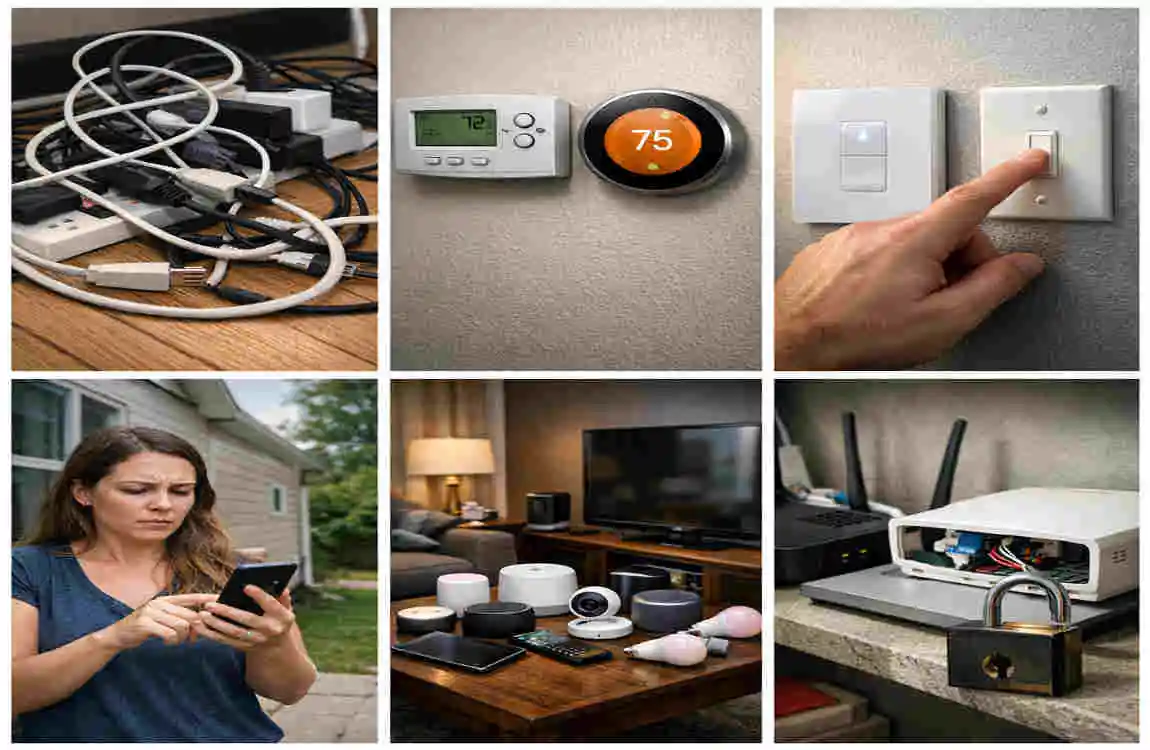
Some mistakes can make a smart home harder to manage than it should be.
- Buying incompatible devices
- Installing too many products too quickly
- Ignoring Wi-Fi strength
- Forgetting subscription fees
- Choosing features just because they are popular
- Skipping updates
A smarter approach is to start small, test what works, and build from there.
Frequently Asked Questions About Smart Homes
What is a smart home?
A smart home is a home that uses connected devices to automate tasks and allow remote control through apps, voice assistants, or schedules.
How much does it cost to make a home smart?
It can range from a low-cost starter setup to a much more expensive whole-home system, depending on the devices and installation needs.
Is a smart home worth the money?
It can be, especially if you value convenience, security, and energy control. The best value comes from devices that solve real problems.
Can I turn my existing house into a smart home?
Yes. Most existing homes can be upgraded without major renovation. Many devices are made for easy add-on use.
Does a smart home need Wi-Fi?
Most smart home devices use Wi-Fi, though some may also use hubs or other connection methods.
Can smart home devices save money?
They can help reduce energy waste, but savings depend on how you use them and which devices you choose.
Are smart home devices safe?
They can be safe when you use strong passwords, keep them updated, and use privacy settings. Good security habits matter.
| Smart Home Feature | Main Benefit | Typical Cost |
|---|---|---|
| Smart Lighting | Saves energy and allows remote control | $20–$100 per device |
| Smart Thermostat | Improves comfort and energy efficiency | $80–$300 |
| Smart Security Cameras | Provides remote home monitoring | $50–$300 each |
| Smart Door Locks | Keyless entry and better access control | $80–$300 |
| Smart Doorbell | Lets you see and communicate with visitors | $60–$250 |
| Smart Speakers | Voice control for connected devices | $30–$200 |
| Smart Plugs | Automates ordinary appliances | $10–$40 each |
